Why Android POS Is Becoming More Than a Payment Terminal
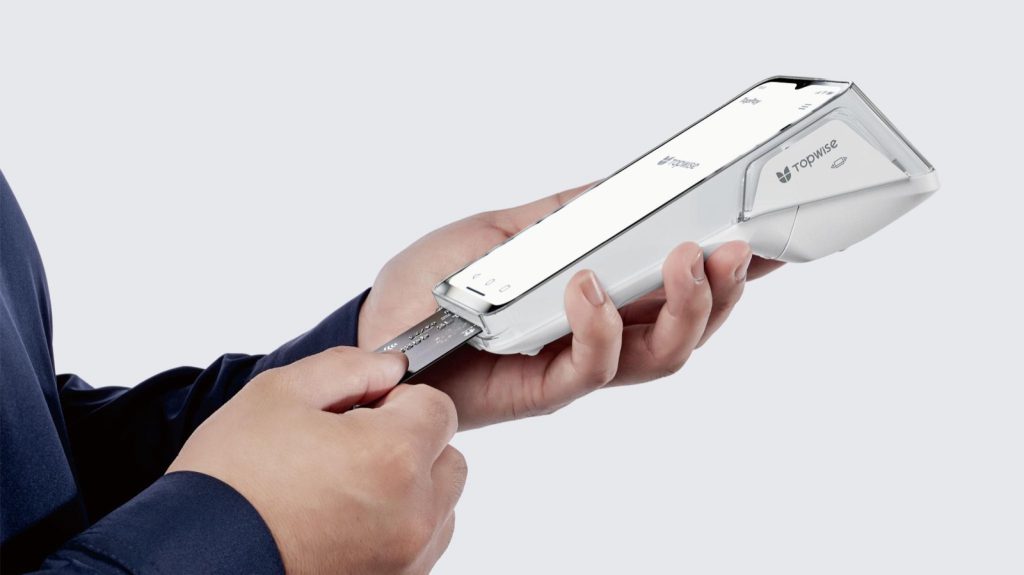
The shop opens at eight. By quarter to, the owner has switched on the lights and lifted the terminal off its charging base. She taps the screen, it joins the Wi-Fi, and within a minute the payment app has reached the bank, today’s prices have loaded, and a small icon confirms there’s paper in the printer.
A few years ago, that terminal did one thing and was ready the moment it powered on. Today it behaves more like a small computer on the counter. That changes what a merchant can expect from it, and what the banks and providers who supply it need to plan for.
From single-purpose box to flexible device
For a long time, the payment terminal was a closed box: a keypad, a card reader, a printer and a line to the bank. It took an amount, read a card, got approval and printed a receipt. Everything else in the business happened somewhere else, on paper or on a PC behind the counter.
Android changed that. The terminal still exists to take payments, but it now runs on a general-purpose operating system that manufacturers, banks and software developers can build on. A new function no longer needs a new box on the counter. It can be an app.
For a merchant, that means fewer separate devices to juggle. For a bank or payment provider, the terminal becomes a place to offer services beyond payments, and also a bigger thing to support.
Payments are still the foundation
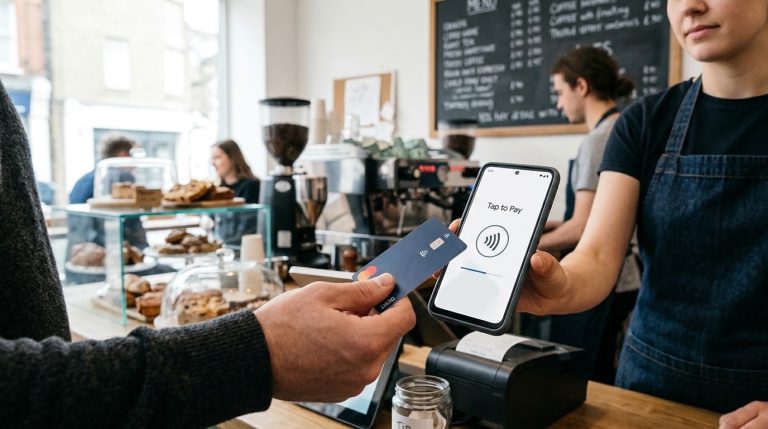
The first customer taps a card. The amount shows on screen, a second or two later there’s an approval, and the receipt prints. Card acceptance is the most regulated part of the device, and on most Android terminals it is kept deliberately apart from the open Android layer. On certified Android POS terminals, sensitive payment operations such as PIN entry and cryptographic processing are protected through dedicated security modules, while payment applications interact with these components through controlled interfaces.
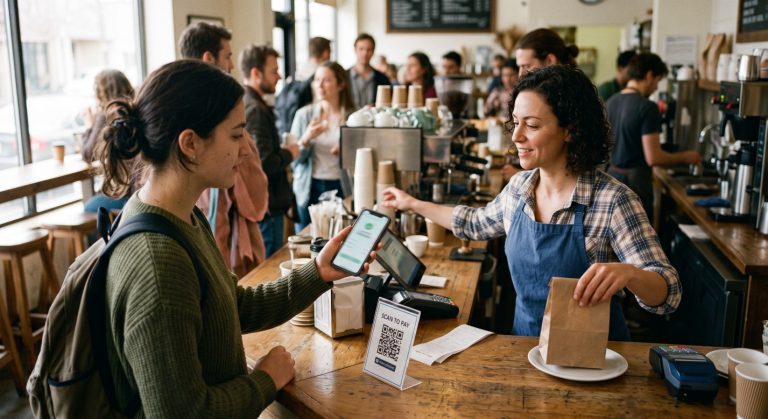
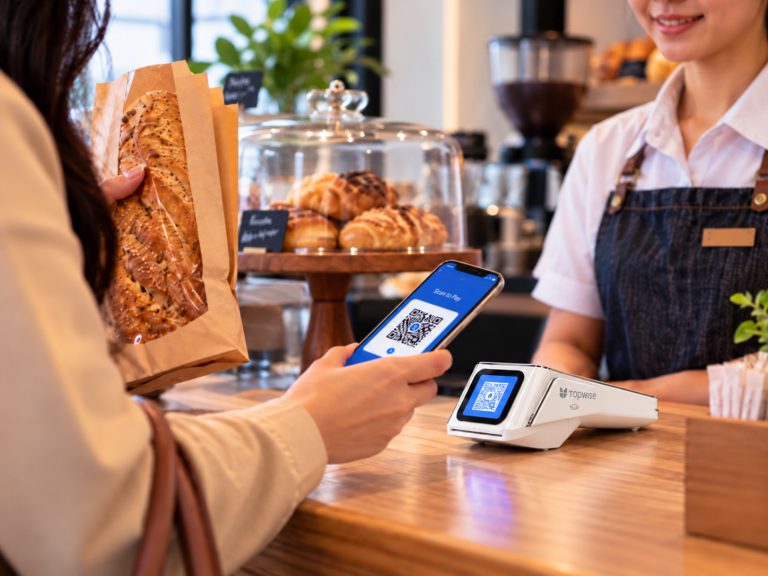
The next customer opens a banking app and pays by QR instead. Same terminal, same counter: it shows a code or scans the one on the customer’s phone, and the result comes back to the same screen. In many markets QR is now an everyday way to pay, and the benefit for the merchant is simple. One device, one end-of-day summary, and one place to look when a customer says a payment didn’t go through.
Beyond payments: loyalty and business apps
Mid-morning, a regular customer asks about her points. On a single-purpose terminal that means a separate card, a separate reader or a website on someone’s laptop. On Android, loyalty can be an app on the same device, running during the payment or next to it.
The same idea stretches to inventory lookups, table or queue management, order entry, customer records and daily sales reports. Some merchants will use several of these. Some will use none, and that’s a fair choice.
One caution. Android makes this possible, but it doesn’t make it automatic. What a given terminal can run depends on the manufacturer’s hardware and tools, and on how the bank or provider has set up the ecosystem. Some deployments allow only approved apps. Others offer a managed catalogue. When you read that a POS “does” something, it’s worth asking who provides it: Android, the terminal maker, the bank, or the merchant’s own software.
Connecting the terminal to the cash register
By late morning the shop is busy. The owner rings items into her register while the terminal sits beside it, and the cashier reads the total off one screen and types it into the other, hoping she gets it right.
ECR integration closes that gap. ECR stands for Electronic Cash Register, although today the term covers any sales system a merchant uses. The register already knows the amount, so it sends a payment request straight to the terminal. The terminal runs the payment and sends the result back:
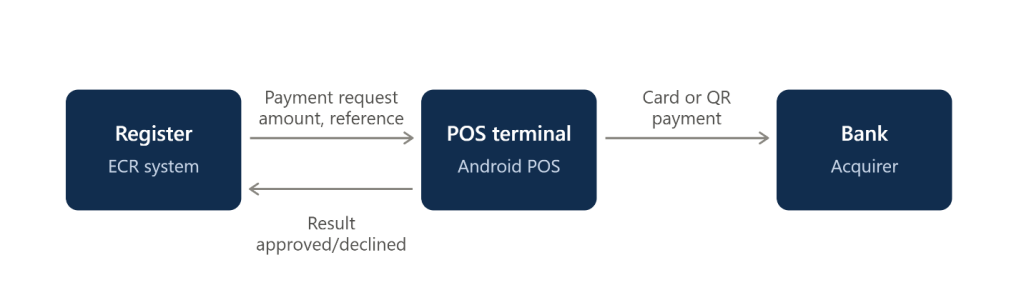
A restaurant works the same way. The waiter closes a table in the ordering system, and the bill amount appears on the terminal without anyone retyping it. The gains are small, but they add up: fewer typing mistakes, one receipt instead of two, less cashier training. At closing time, the register and the bank’s records can be matched using the same reference, which makes reconciliation much easier. It won’t always be perfect. If the connection drops during a payment, the terminal may have to send a reversal, and the register may not get a clear result. Those cases still need a manual check, but there are far fewer lines to compare than when amounts were typed by hand.
More capability means more to manage
A single-purpose terminal has one app, one configuration and one connection to the bank. A terminal running payments, loyalty, ordering and a register link has apps that update on different schedules, settings that differ from merchant to merchant, certificates that expire, and a network that works well in a mall and badly in a basement.
For one shop that’s manageable. Now picture a merchant with three hundred stores and two terminals in each. A new version of the payment app is ready. Without central management, that’s six hundred visits or six hundred phone calls. With it, the update goes out in stages, to a pilot group first, then a region, then everyone, and it can be stopped if errors start to rise.
This is why device management matters. It sends apps and updates to every terminal, sets up each merchant’s settings, and keeps the devices secure. It also shows which terminals are online and which ones need an update. If a terminal has a problem, support staff can check it from their desk instead of sending someone to the shop.
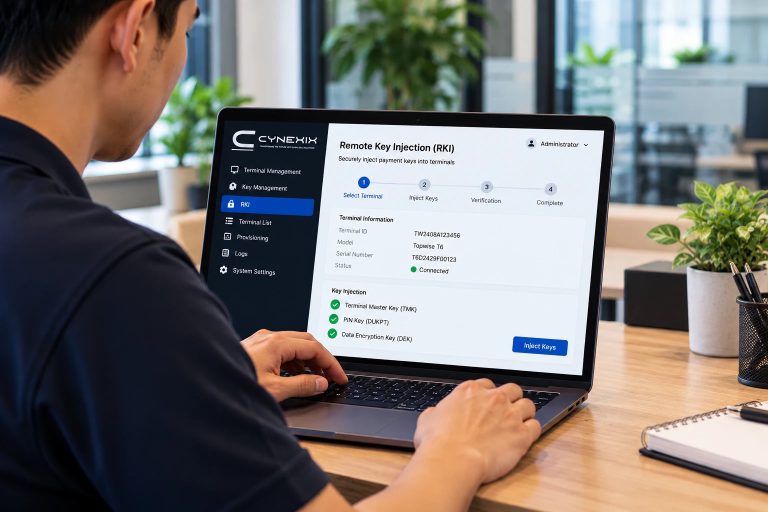
In payment setups, this is usually handled by a Terminal Management System (TMS), which looks after the terminals themselves: their software, updates and settings. On top of the TMS, a Merchant Management System (MMS) helps manage each merchant and support them day to day. With remote desktop, support staff can see and control a terminal’s screen, and a remote screenshot shows exactly what the merchant sees. A hardware diagnosis module can check parts of the device, such as the printer or card reader, without anyone visiting the shop. Remote real-time synchronization keeps the terminal’s settings and data in step with the central system. And remote key injection (RKI) loads encryption keys remotely, instead of a technician doing it terminal by terminal.
That matters most at scale. When one terminal misbehaves, support can check it through the MMS first, with a screenshot or a hardware check, before deciding whether anyone needs to travel. It is quiet, behind-the-scenes work, but it decides whether a large group of terminals helps the business or becomes a support problem.
Why Android, and where it gets hard
Android reached payment hardware for practical reasons: a mature app model, a touchscreen interface and built-in connectivity. What it doesn’t provide is the payment part. Card readers, secure PIN entry and printers come from the terminal manufacturer, and the payment application and certification come from the bank or provider.
The limits are real. Terminals ship with different Android versions, and updating the operating system on payment hardware is slower than on a phone, so a fleet that started uniform drifts apart over the years. Security is a constant balance, because the openness that lets you add apps is exactly what has to be controlled. Remote tools like screen access and key loading are powerful, so they need strict permissions and a record of who did what. Certification means changes take longer than a typical mobile release. Third-party integrations age. And connectivity is still the most common reason for a support call. A drop in the middle of a payment can leave the result unclear, so a good ECR integration has to handle timeouts and reversals properly.
Closing the day
At seven the owner opens the transaction history. Card and QR payments sit in one list. She closes the batch, prints a summary and checks it against the register, which is much quicker when the two systems share references, although failed or reversed transactions still need to be checked.
She wouldn’t call any of this a platform shift. From where she stands, the thing on her counter does more than it used to, and there are fewer separate systems to keep track of. But the direction is clear: from payment terminal to smart POS, to a device the rest of the business connects to.
If you’re a merchant choosing a terminal, or a bank or provider deciding what to put in merchants’ hands, three questions are worth asking early. Which apps can run on it, and who approves them? How does it connect to the sales system? And how will hundreds of devices be updated and supported once they’re out in the field? The hardware matters less than the answers.
About the Author